
Less retyping
Use screenshots and photos as input instead of typing every destination into a map app.
NaviBatch helps iPhone drivers import addresses from screenshots and photos, review the detected stops, and build a route without retyping every address.
Delivery drivers often receive addresses inside courier apps, dispatch screenshots, route manifests, text messages, or customer notes. Those addresses are visible on the phone, but they still need to become usable route stops.
Manually copying every address takes time and introduces mistakes. Screenshot address import gives drivers a faster starting point: upload the screenshots, let NaviBatch detect the addresses, then review and correct the results before planning the route.
Use screenshots and photos as input instead of typing every destination into a map app.
Detected addresses can be checked and corrected before they become stops in the route.
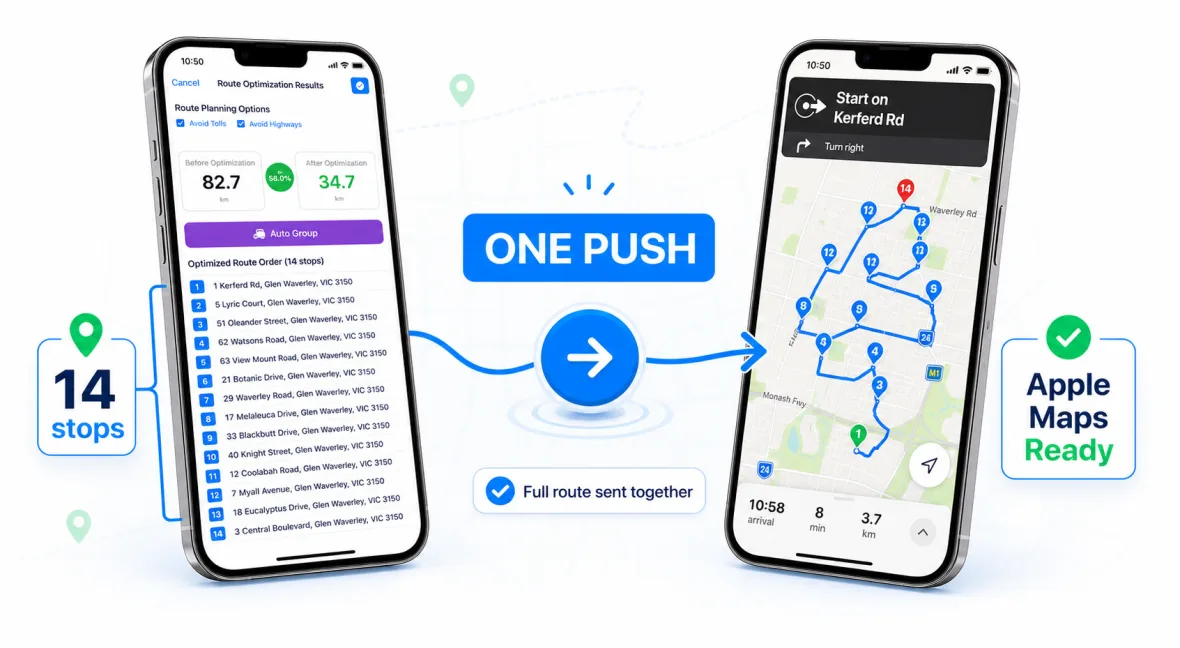
Import the address list, organize stops, then send the planned route to Apple Maps.
Add one or more delivery screenshots from your iPhone photo library.
NaviBatch extracts address candidates and prepares them for review.
Remove duplicates, fix incorrect text, and keep the stops that belong to the run.
Use the cleaned stop list for route planning and Apple Maps handoff.
For best results, use screenshots where the delivery number and address text are visible, not blurred, and not covered by floating buttons or dark overlays. If a long list is split across multiple screenshots, keep enough overlap so the app can preserve context.
NaviBatch is designed for real delivery input, including messy screenshots. The important part is that the driver still gets a review step before using the addresses in a route.
Yes. NaviBatch supports image-based address recognition workflows for screenshots and photos.
Yes. A review step is important because screenshots can contain abbreviations, partial text, or visual noise.
Yes. Screenshot import helps create the stop list, and NaviBatch can then prepare the route for Apple Maps handoff.
Use NaviBatch to turn screenshots into route-ready stops and prepare your next Apple Maps delivery run faster.
Download NaviBatch