 NaviBatch
Keep the loading order
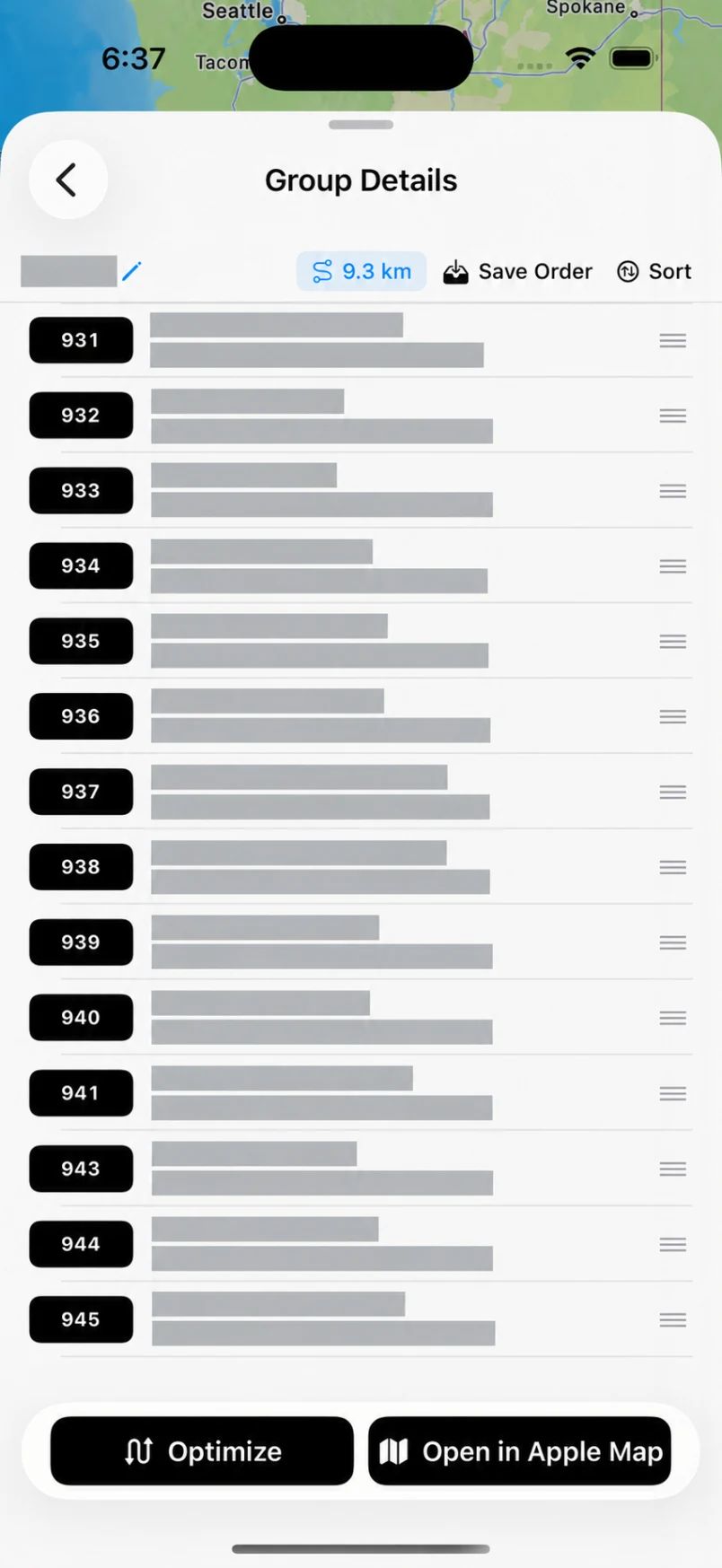
When company stop numbers match scan and loading order, preserve the overall sequence. Review the selected group and optionally optimize that group before opening Apple Maps.
BUILT FOR YOUR DELIVERY DAY
Bring in your addresses, review the details, and navigate in groups that fit the way you load and deliver.
Screenshots · Long images · Video · Files · Paste · Manual entry
Explore address import →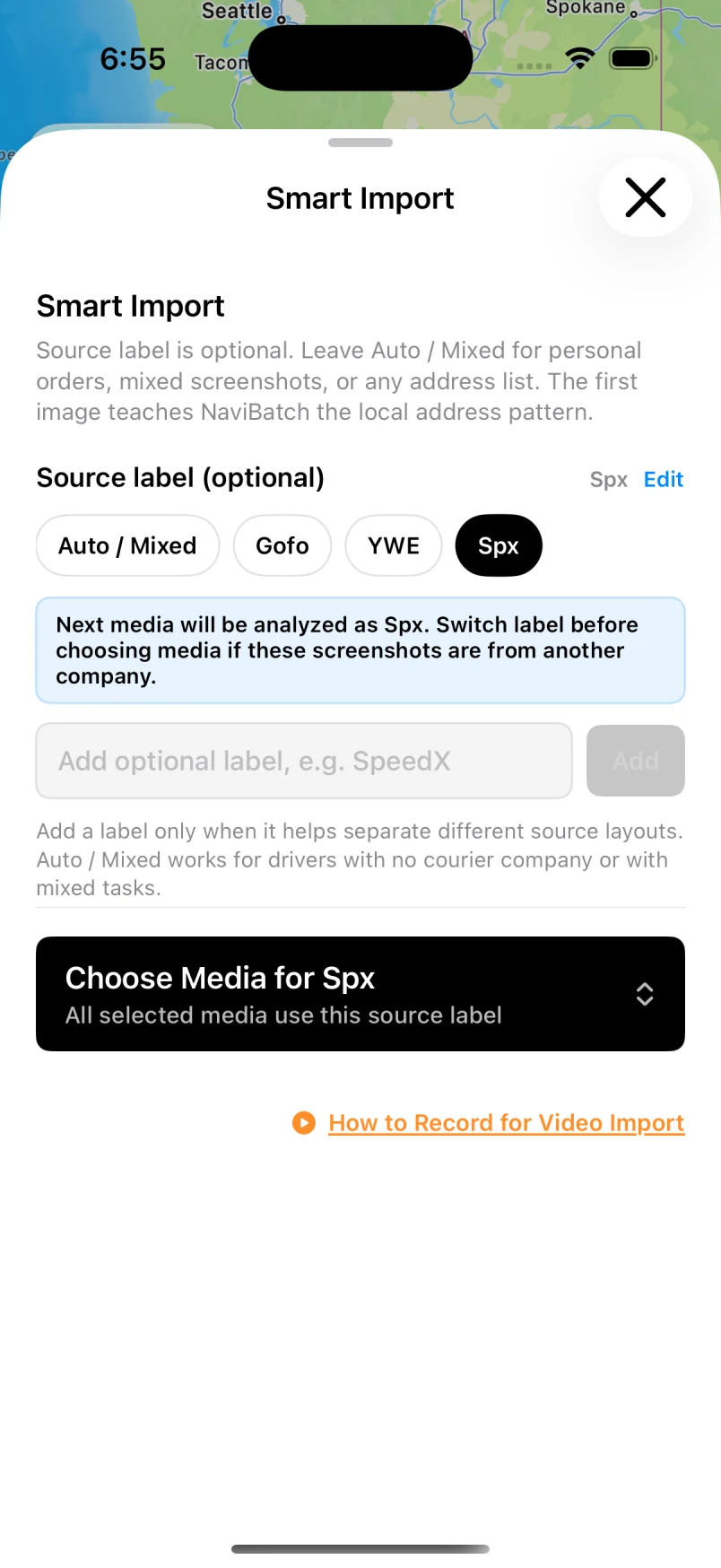
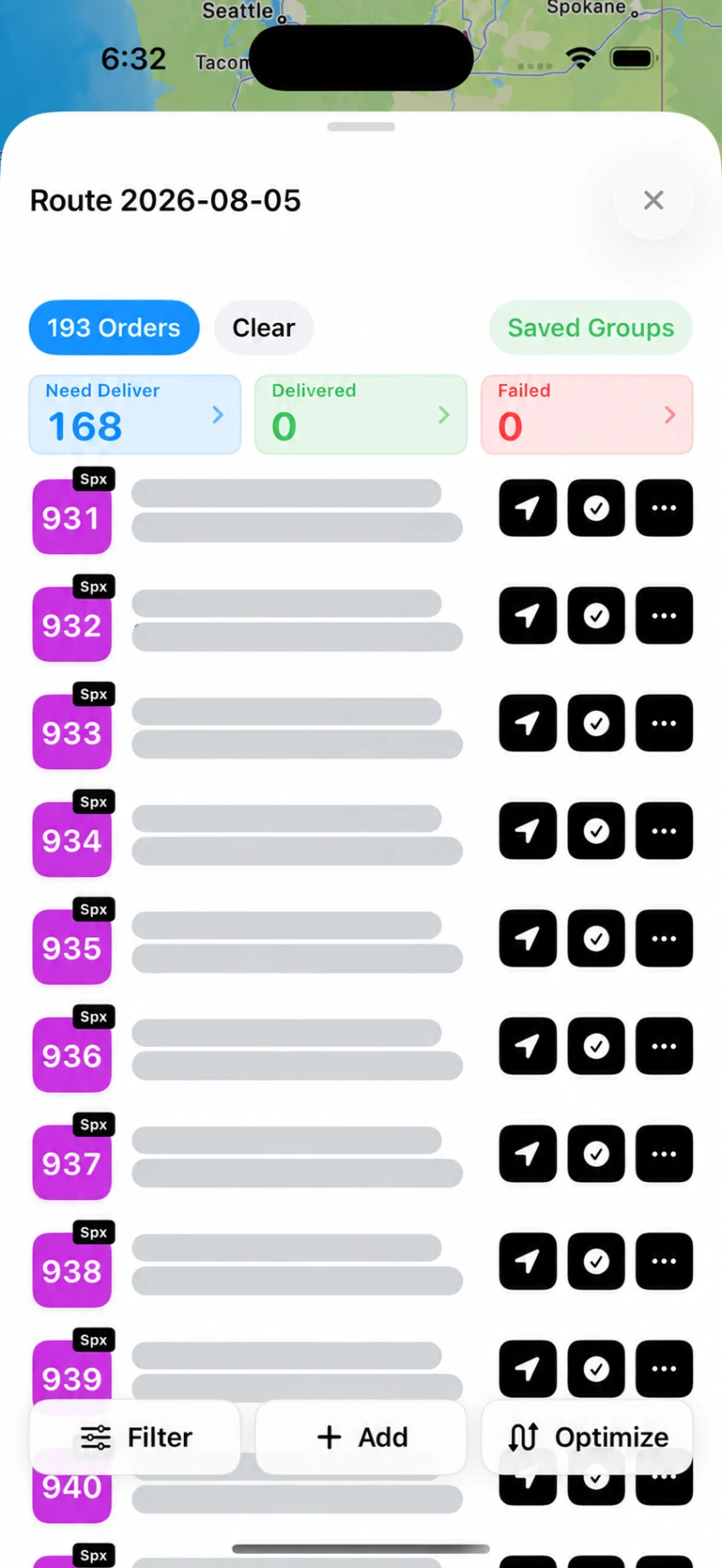
Actual app preview. Private addresses hidden. Screens may vary by version.
When company stop numbers match scan and loading order, preserve the overall sequence. Review the selected group and optionally optimize that group before opening Apple Maps.
If delivery order can change, use full-route optimization. Importing a screenshot or file does not determine whether your stops must stay in their original order.
Each saved group has its own Apple Maps action. One push sends up to 14 planned addresses; Apple Maps then provides navigation. Return to your saved groups to continue the run.
Review addresses and map pins before driving. Your subscription controls route and import limits; the 14-stop figure describes one handoff.
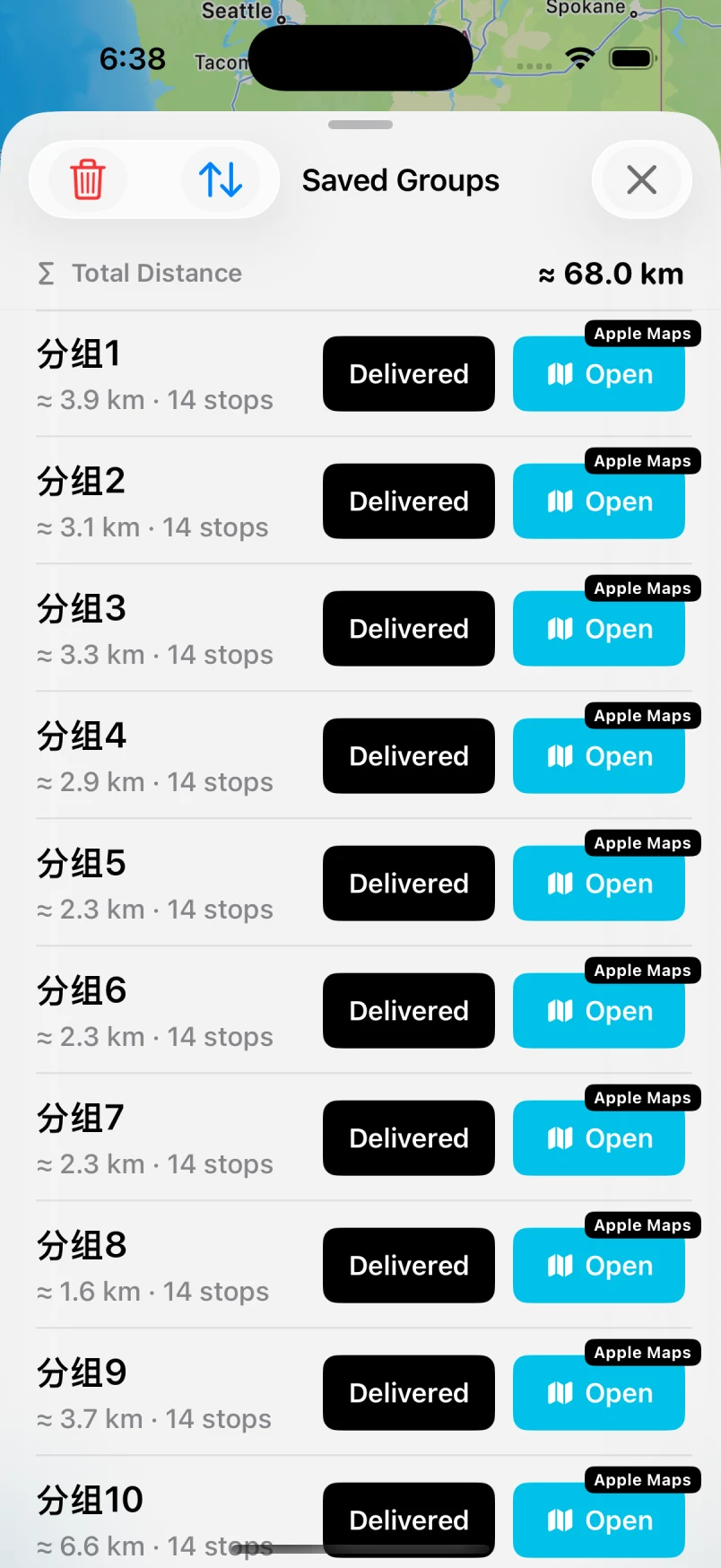
One group. Up to 14 planned stops. Then the next.