 NaviBatch
Import
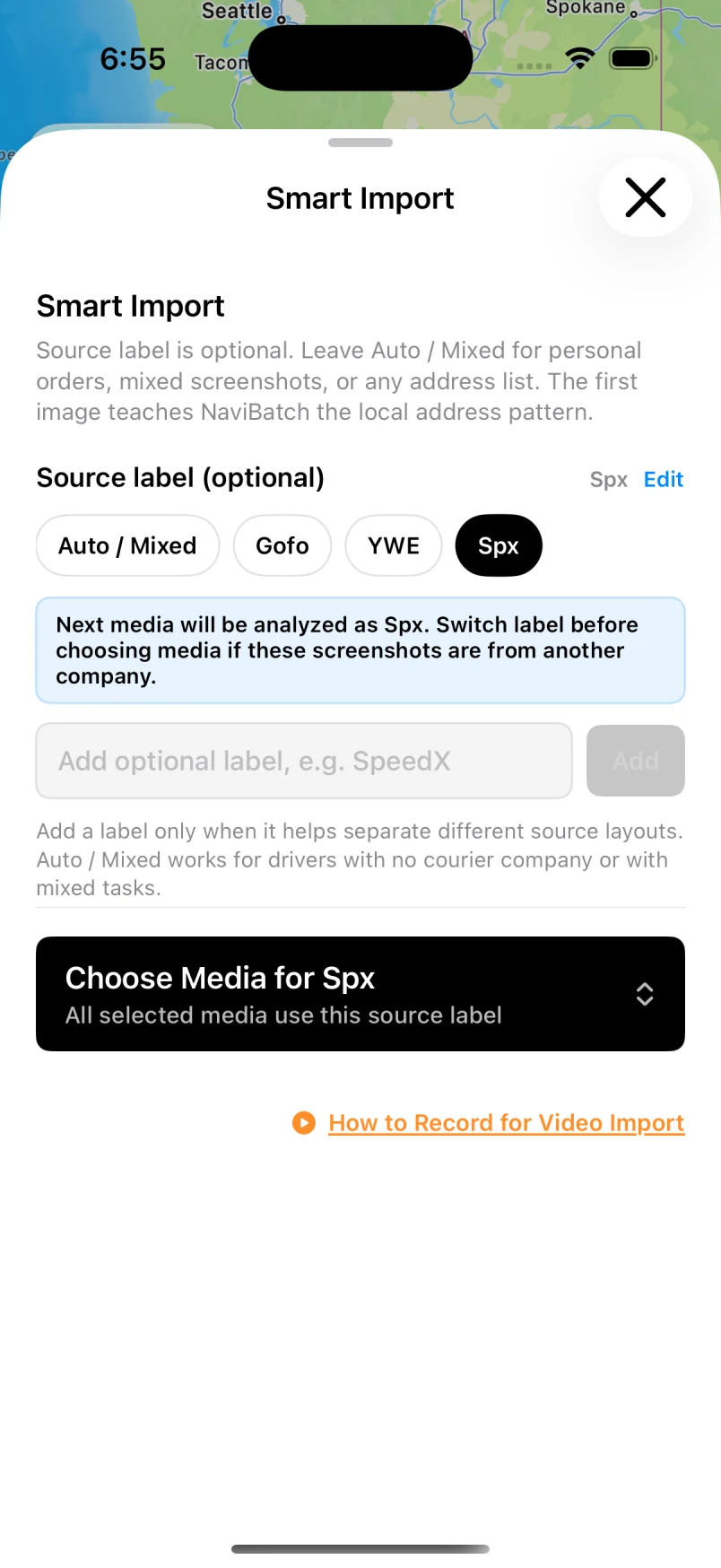
Import a screenshot or long image.
Keep complete address rows visible, then compare the imported list with your source.
Read guide →GUIDES FOR IPHONE DELIVERY DRIVERS
Practical help for importing stops, checking addresses and navigating your route one group at a time.
START HERE
Review your addresses, keep the stop order that matters, and open one group in Apple Maps.
Read the guide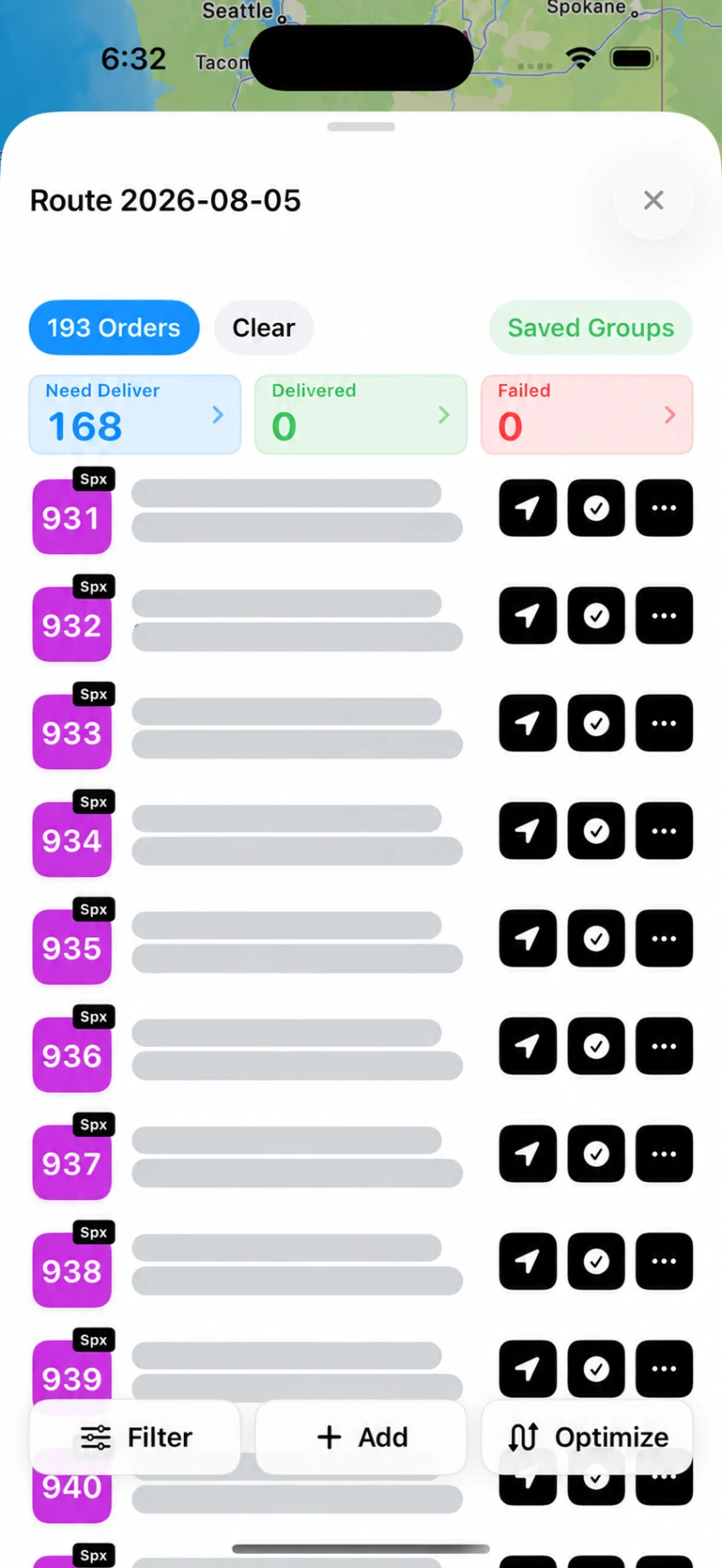
Actual app preview. Private addresses hidden. Screens may vary by version.
Import
Keep complete address rows visible, then compare the imported list with your source.
Read guide →Review & plan
Check house numbers, apartments, duplicate rows and map pins before planning.
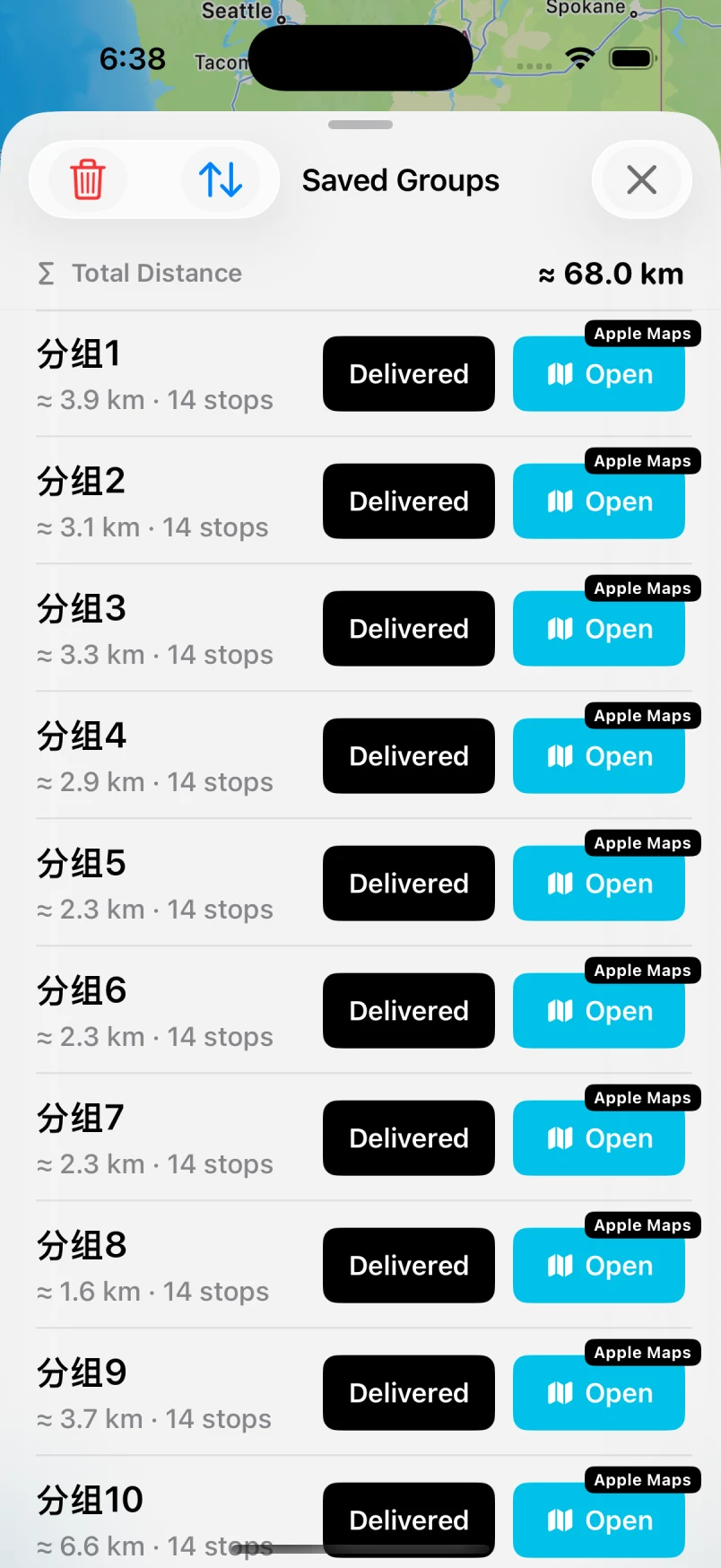
Read guide →Apple Maps
Send a reviewed group of up to 14 planned addresses, then return for the next.
Read guide →Review & plan
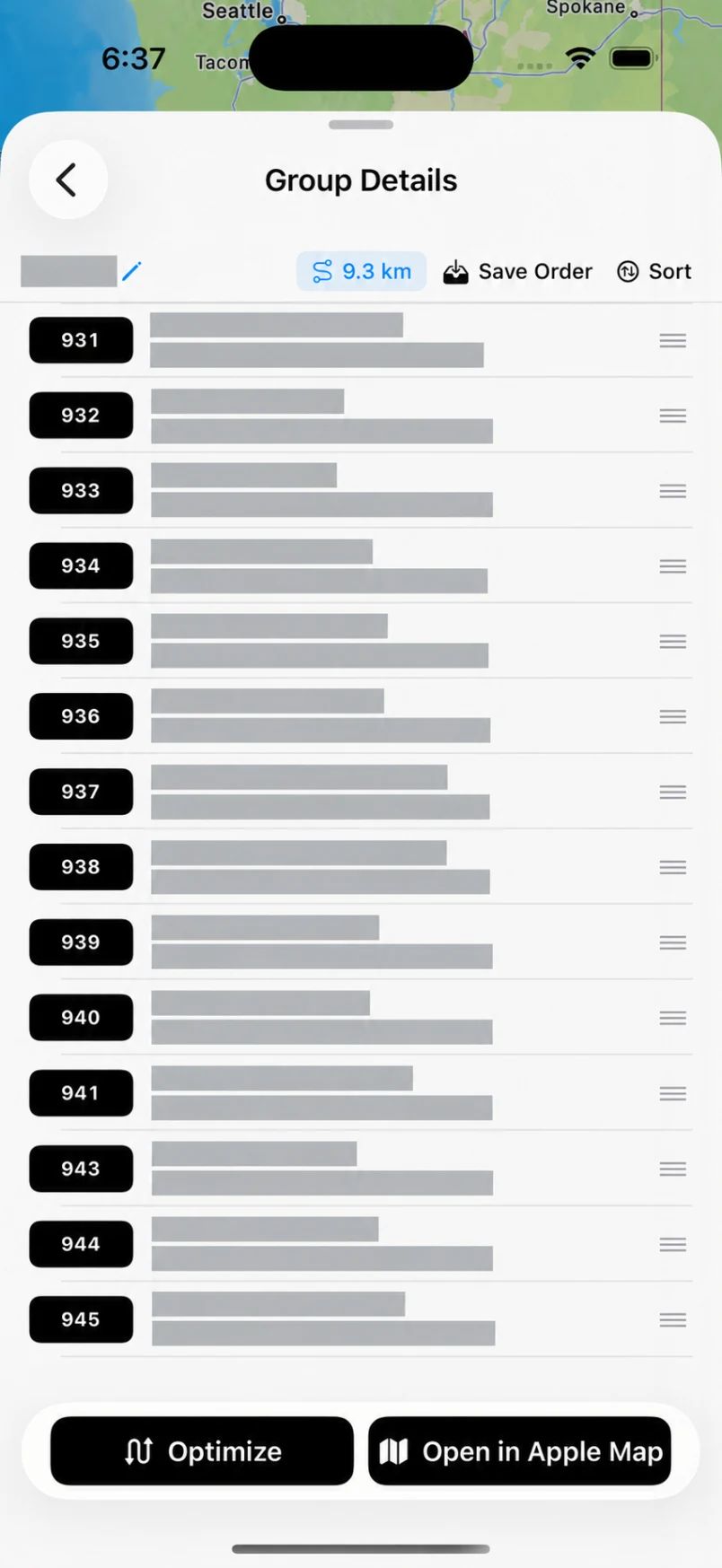
Preserve loading order and optimize a selected group, or optimize a flexible route.
Read guide →Import
Capture clear, steady address rows and always review the results.
Read guide →Apple Maps
Understand the difference between your complete route and one map-sized group.
Read guide →Find practical answers in our support center.