 NaviBatch
Importing stops
Screenshots, long images, videos and files.
NAVIBATCH SUPPORT
Find help with importing stops, checking your list and opening your next group in Apple Maps.
Screenshots, long images, videos and files.
Addresses, stop order and route groups.
Open a reviewed group and start navigation.
Compare the imported list with the original. Confirm that the relevant pages, images or video were selected and that each address was fully visible. Review duplicate rows and incomplete unit details before routing. Since version 1.4.7, the missing-stop check shows why each number may be missing, with a “% not missing” estimate; tap Not Missing only after checking your source, and use Undo if needed. If needed, report the problem from the app and remove customer details from any support screenshot.
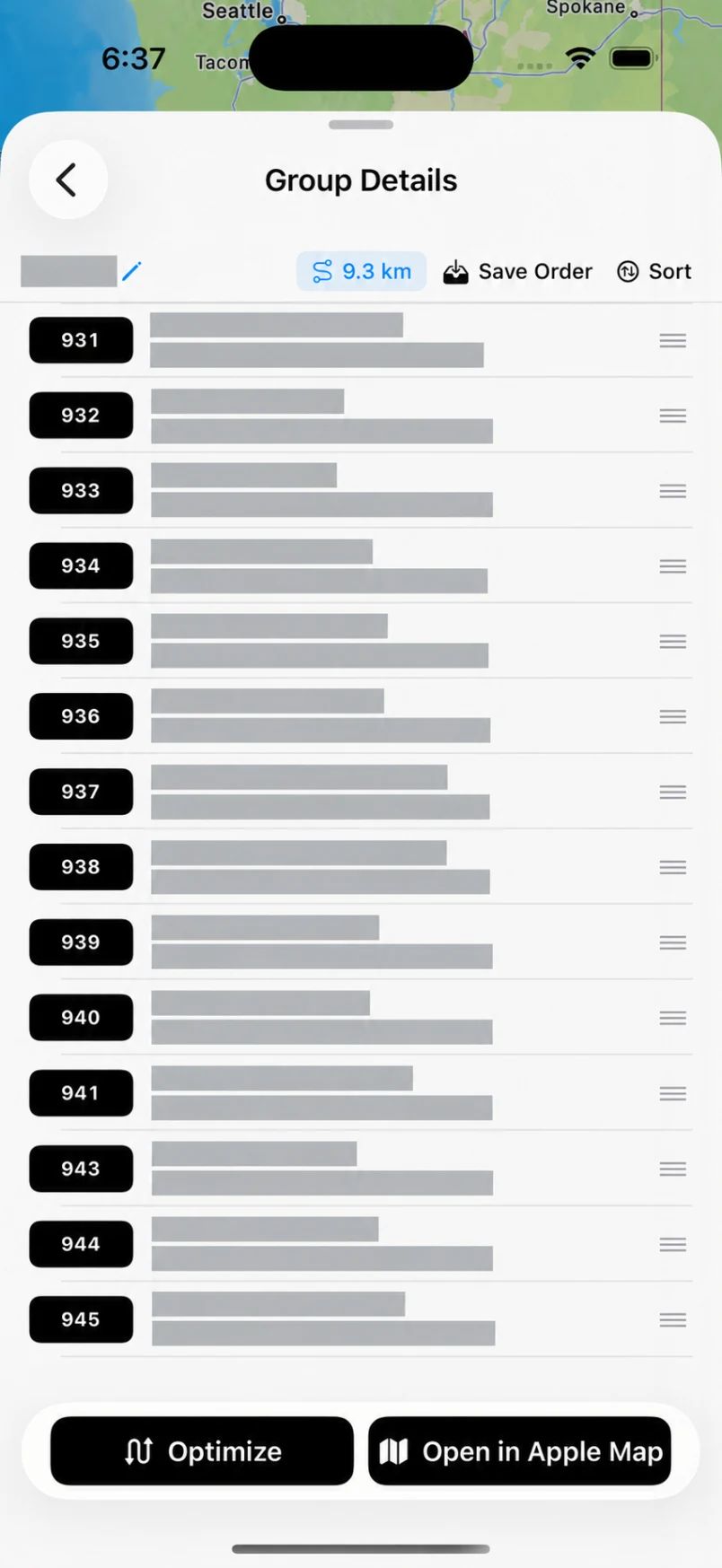
Import and review your route, organize the addresses into groups, then open the saved group you want to drive. Send up to 14 planned addresses to Apple Maps in one push. When that group is complete, return to NaviBatch and open the next group.
If stop numbers reflect scan and loading order, preserve the overall sequence. You may optimize only a selected group. Use full-route optimization only when the whole stop list can be freely reordered.
That is the confirmed size of one NaviBatch Apple Maps handoff, not the size of your whole route. Prepare the route in groups and continue one group at a time. Route and import limits depend on your plan.
Use the same Apple account that made the purchase, open the NaviBatch menu and choose Restore Purchases. Check Settings > your name > Subscriptions if the subscription still does not appear, then contact support with the app version and purchase issue. Do not send your Apple password or payment details.
Stop and review the full address and map pin before driving. Check street and unit numbers, city and ZIP code against your source. Since version 1.4.7, the location check lets you use a suggested location, undo a choice and fix a misread Sort Number while adjusting the pin. Correct or report the location in NaviBatch, then send the reviewed group again.
Tell us what happened and include your app version, iPhone model and iOS version.
You can also use Contact Us in the app menu.
Include a few details so we can understand the issue.